Clash Box Download & Setup Guide (HarmonyOS NEXT)
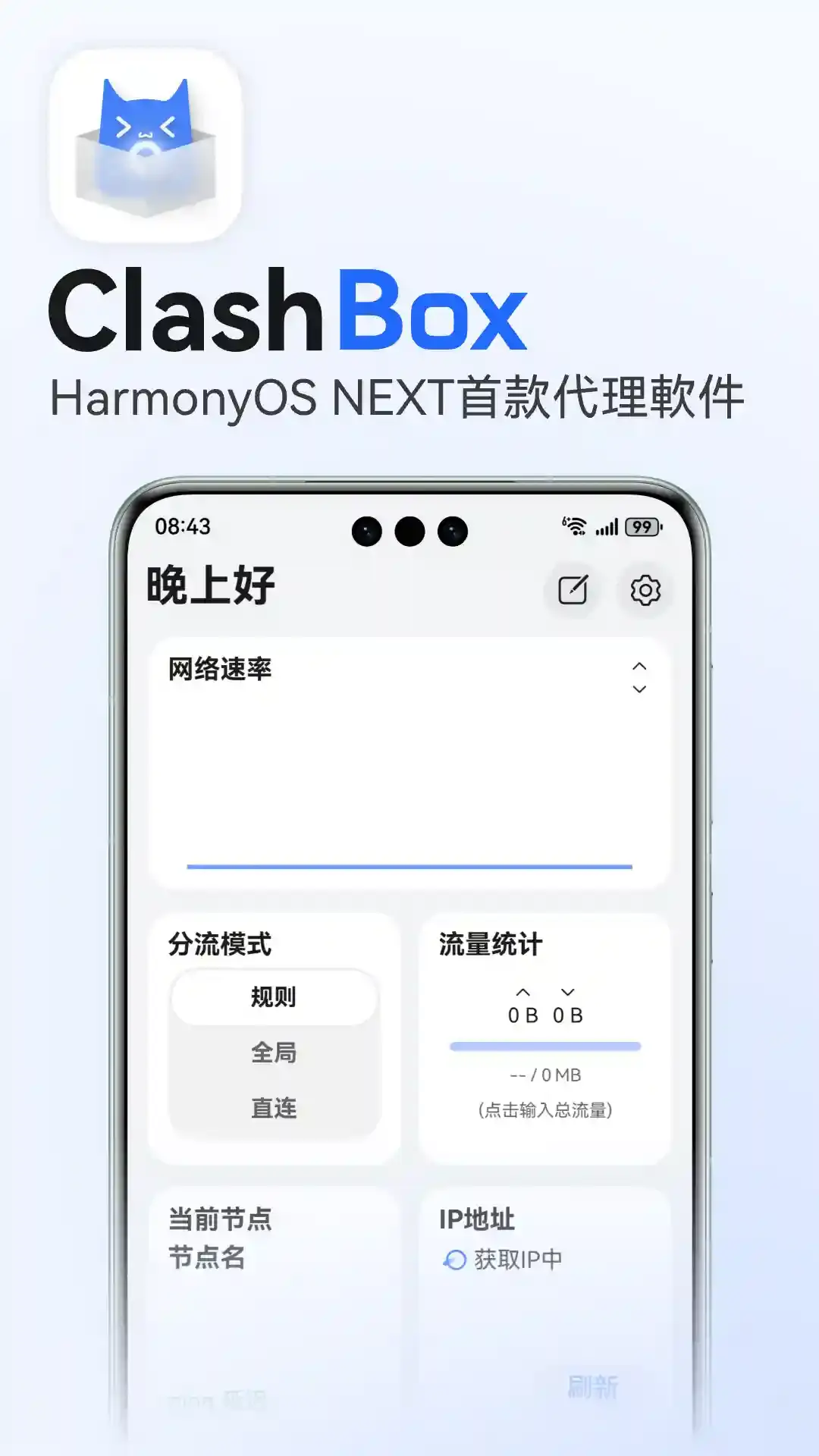
Clash Box is a native Clash client for HarmonyOS NEXT, powered by the Mihomo (Clash Meta) core. It supports Shadowsocks, VMess, VLESS, Trojan, Hysteria2, and other mainstream protocols. Most of the project's code is open source.
| Platform | Core | License | Price |
|---|---|---|---|
| HarmonyOS NEXT | Mihomo | GPL-3.0 (most code open source) | Free |
Download
Clash Box is published on its official GitHub releases page as an unsigned .hap file (the file name contains unsigned.hap). You need to sign it yourself and sideload it.
Sideloading
Clash Box isn't listed in Huawei AppGallery for mainland China. If you can find it in your region's AppGallery, install it from there. Otherwise, use a computer to sign the .hap and sideload it onto your phone. The project recommends Auto-installer or DevEco Testing for signing and installing; follow each tool's own instructions.
- Signing needs a mainland China IP: Huawei's signing server rejects requests from outside mainland China. If you're signing from abroad, switch to a mainland China network first.
- Certificate validity: self-signed apps are valid for 14 days by default, or 180 days after developer identity verification. When the certificate expires, sign and install again.
Setup
Get your subscription link
Clash Box is only a client and does not include any servers. Sign in to your provider's dashboard and copy your subscription link.
Add a profile
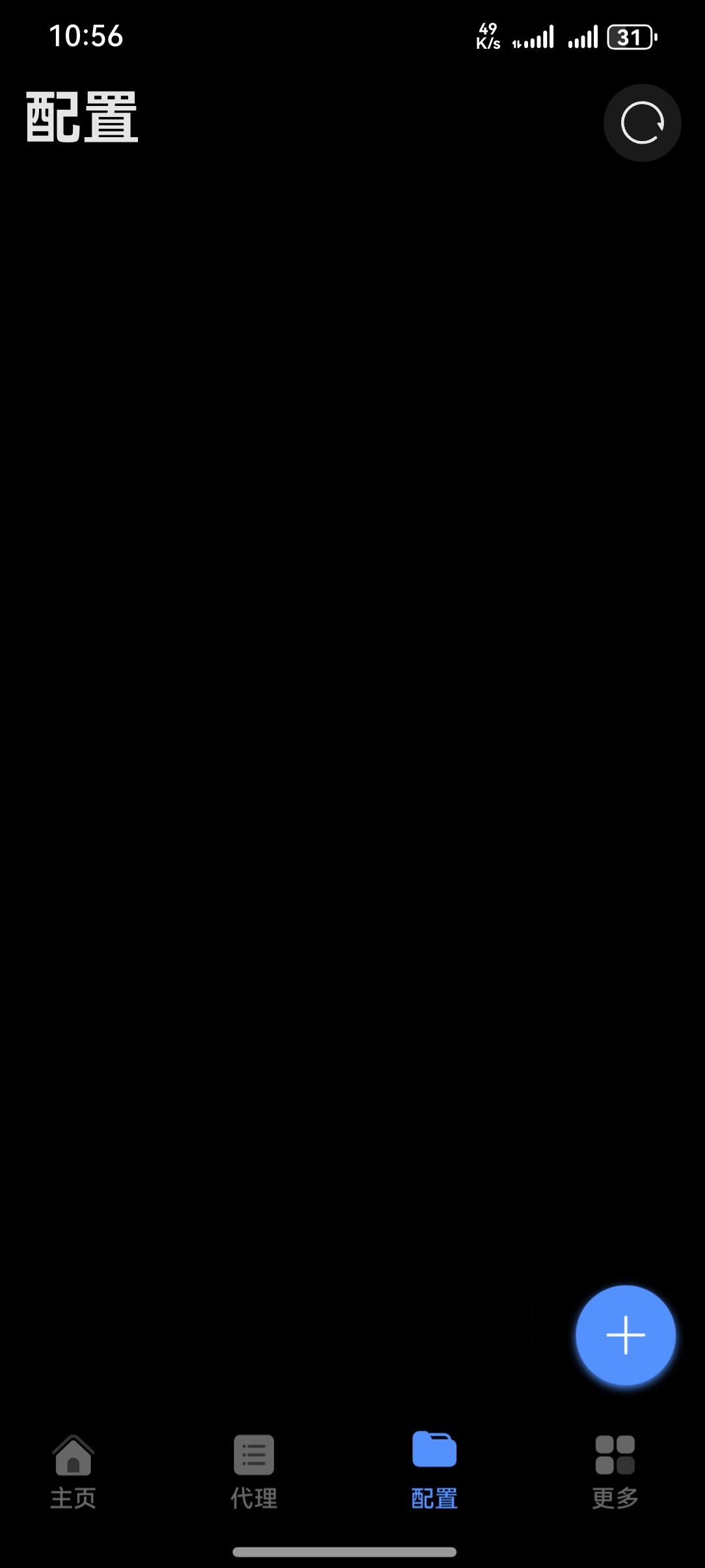
Open Clash Box, tap the Profiles tab at the bottom, tap + in the bottom-right corner, paste the subscription link, and save.
Start the proxy
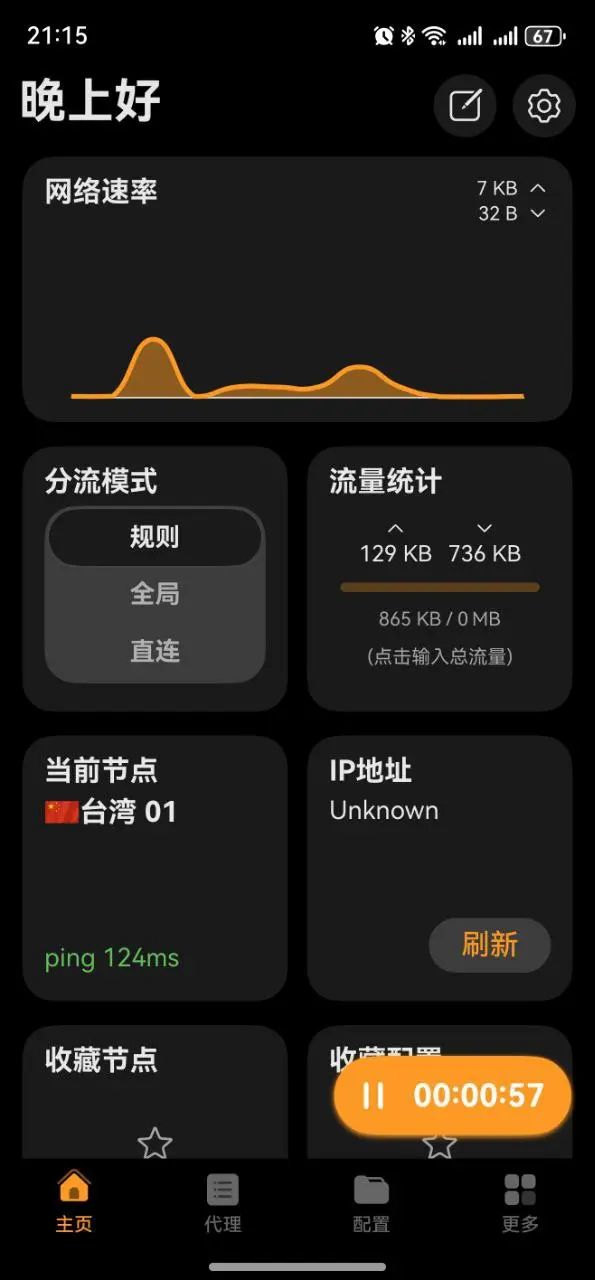
Go back to Home, set the routing mode to Rule, and tap the button in the bottom-right corner to start. Allow the VPN permission request the first time. When the button starts a timer, you're connected.