Clash for Android: Usage Guide & Alternatives
Clash for Android (CFA) is the classic Android Clash client created by the developer Kr328. In November 2023, the project was discontinued and its official repository was deleted.
| Item | Status |
|---|---|
| Last version | 2.5.12 |
| Source | Was open source; official repository deleted |
| Modern protocols | No VLESS, Hysteria2, TUIC, etc. |
| Recommended replacement | Clash Meta for Android |
Migrate to Clash Meta for Android
Install Clash Meta for Android
Download and install it from the official GitHub page by following the Clash Meta for Android guide. Both apps can be installed side by side.
Stop Clash for Android
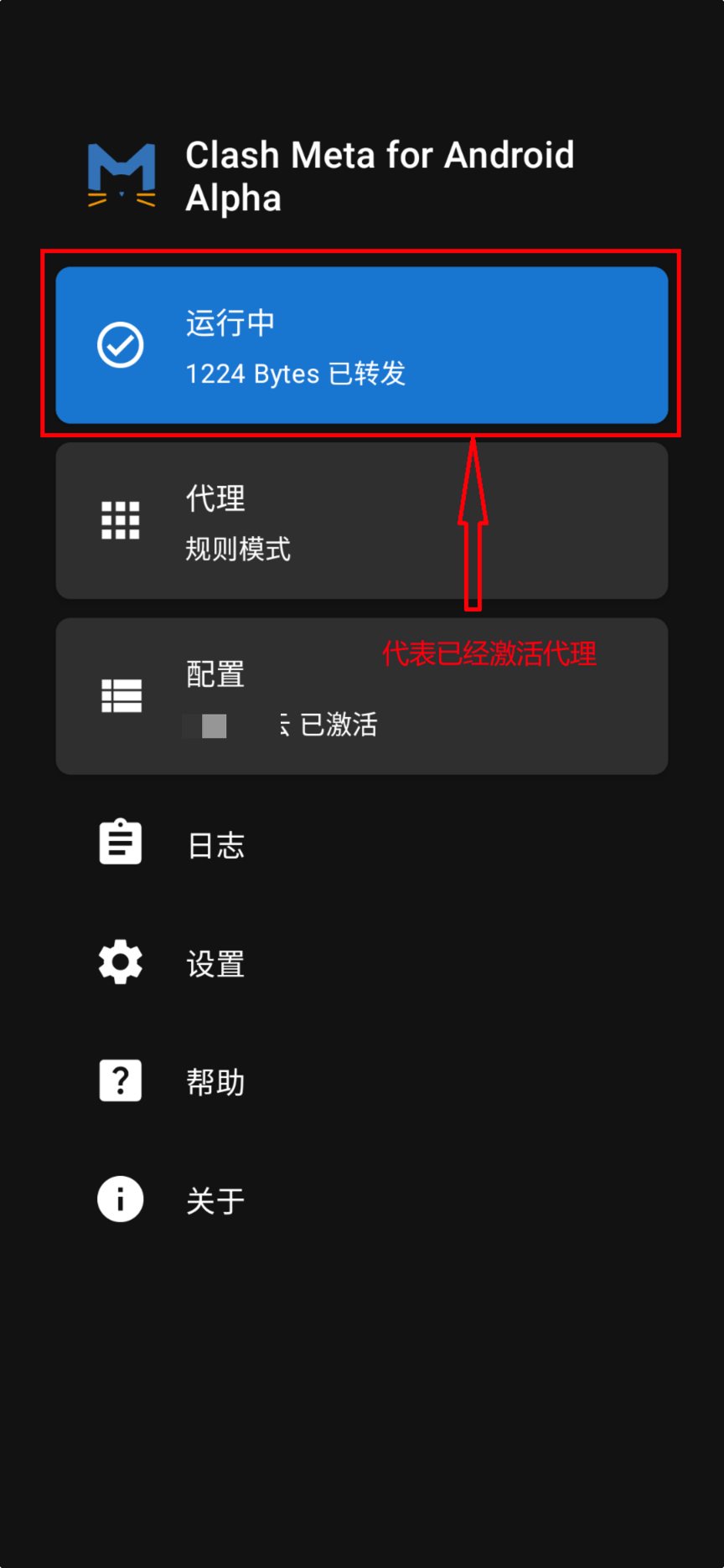
Tap Running on the CFA home screen to stop it, so two VPNs don't run at the same time.
Import the same subscription
In CMFA, import your existing subscription link through Profiles → + → URL, select it, and start the proxy. Once everything works, you can uninstall CFA.
For existing users
If you're still using an installed copy of CFA for now, here are the basics. The interface is the same as CMFA.
Import a subscription
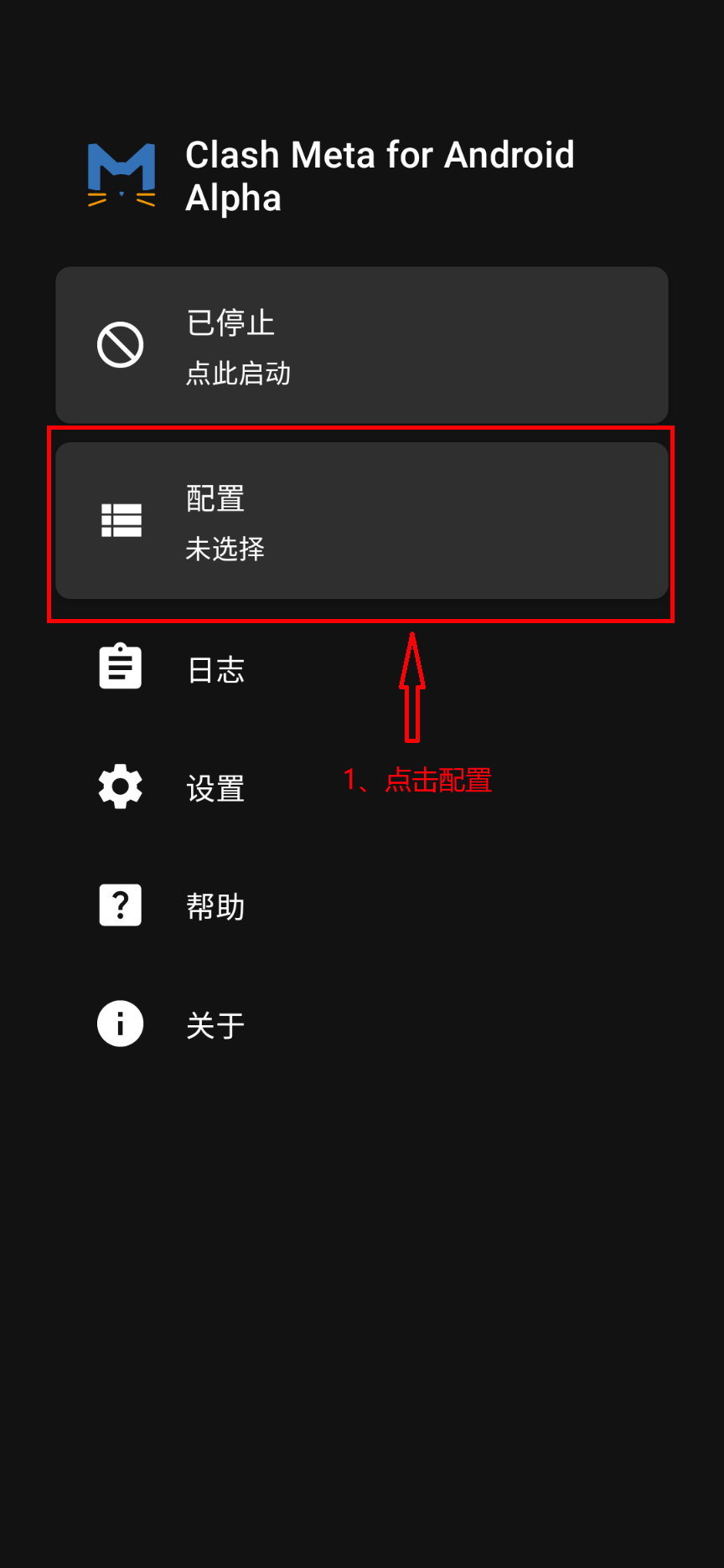
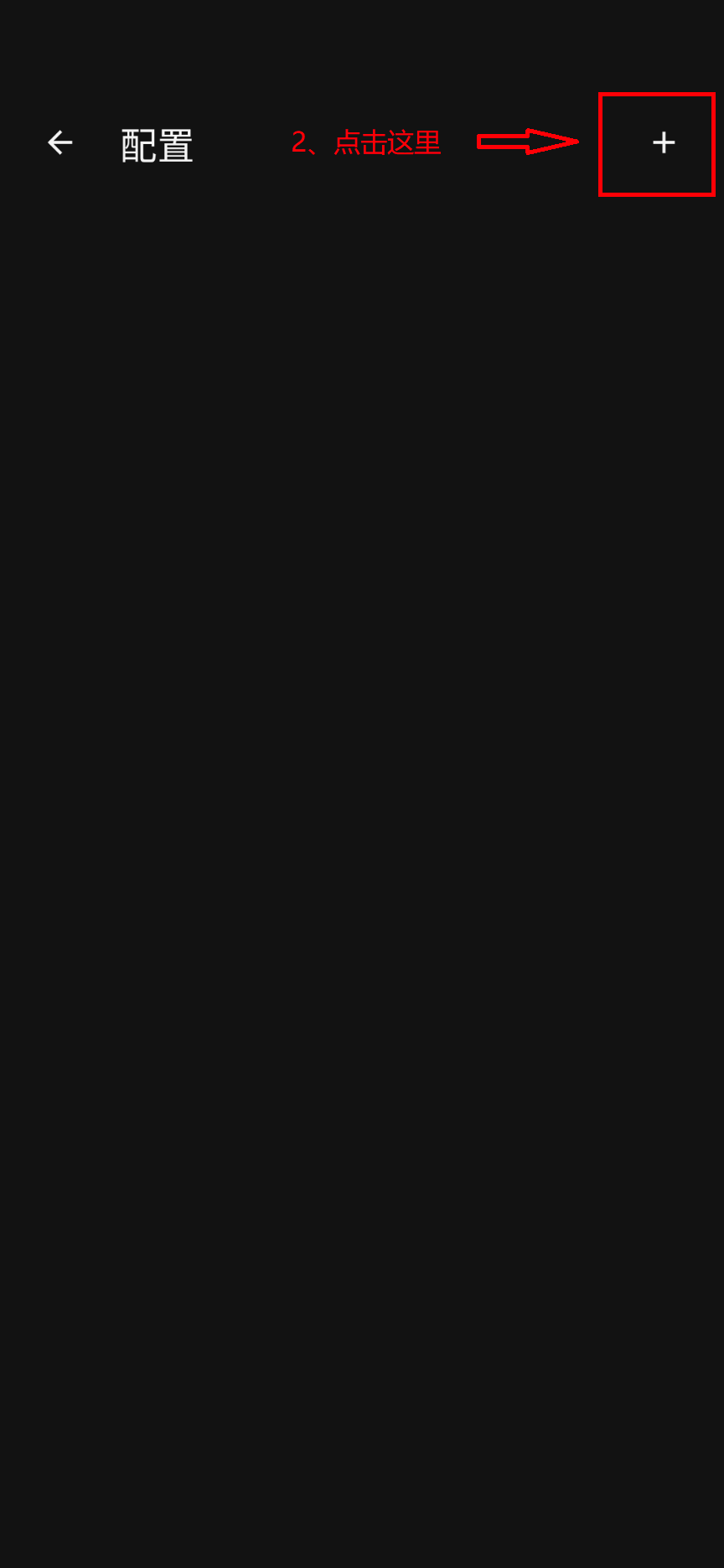
Open CFA and tap Profiles → + in the top-right corner → URL. Paste the subscription link, save, and select the profile.
Start the proxy
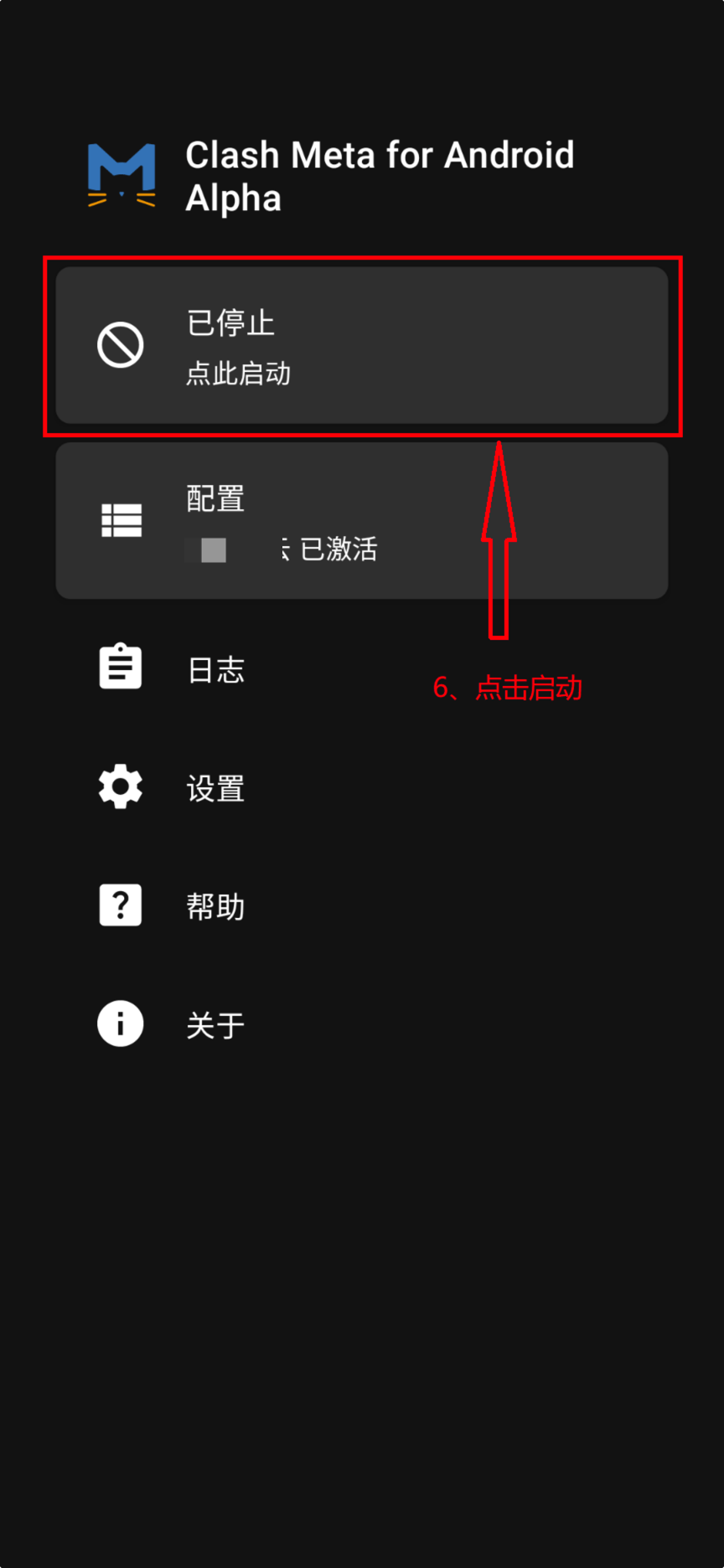
Go back to the home screen and tap Stopped to start. Allow the VPN permission request the first time.